Torchlight II

Torchlight II Announcements

Service changes, branch updates, and what they mean for your game.

New Beta Branch Now Available

Plans for Future Improvements

The public_beta Steam branch brings verified fixes, Steam sign-in, and continued maintenance plans.

Open announcementClose announcement
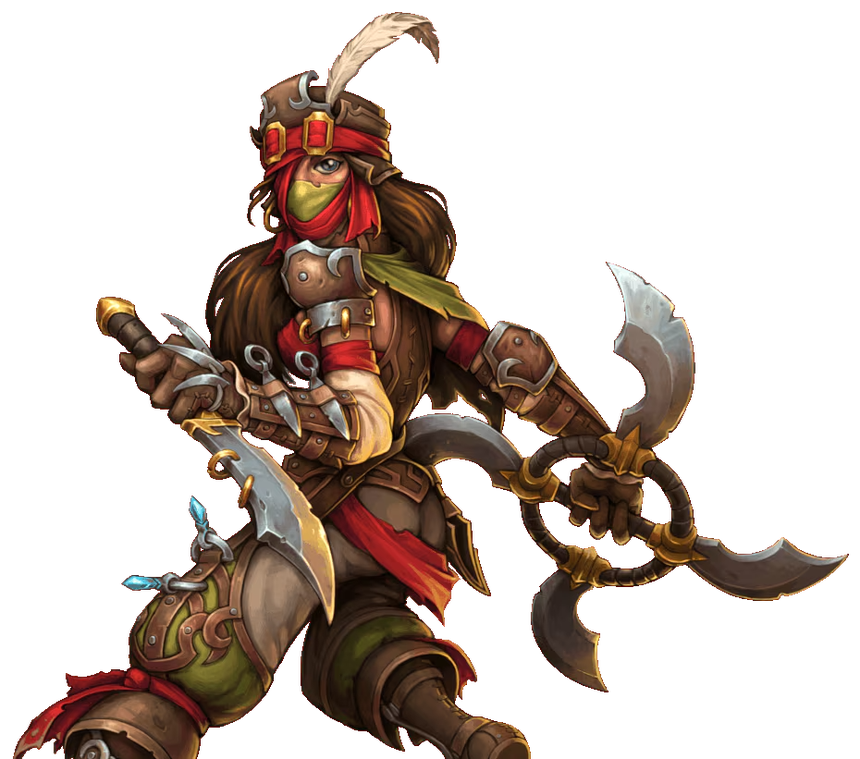
Outlander character for the public beta branch

Dear players,

Today, we released a new Beta build on Torchlight II’s new public branch, public_beta, for you to try. We plan to continue maintaining this branch as we work on more extensive fixes and optimizations.

In the comments on our previous Steam post, many longtime players expressed surprise that the game was still receiving updates. The change to the multiplayer login system also sparked discussion. As the team now responsible for this classic, we are renewing our efforts to maintain the game and upgrade its technology. We hope that modern development tools and techniques can help breathe new life into this classic series. This Beta branch is a step toward that goal.

The separate Steam branch, public_beta, is now available. Players who are interested can opt in to try it.

Please note that this new beta branch will receive its own updates and maintenance and will remain available alongside the existing version on the default branch. If you do not wish to try this beta branch, no action is needed. You can simply continue playing the default version.

Through this approach, we hope to preserve the existing experience while exploring more possibilities for Torchlight II’s future maintenance and improvement.

How to Join the Beta Branch

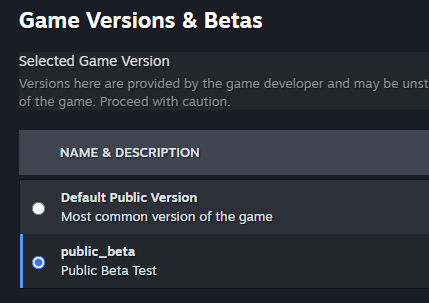
  1. Right-click Torchlight II in your Steam Library and select Properties
  2. Open Game Versions & Betas and select public_beta
  3. Wait for Steam to download and install the update, then launch the game and confirm that the version number is 1.27.0.1
Steam Game Versions and Betas dialog with public_beta selected

Beta Branch Updates and Improvements

Changes to Multiplayer Login

We are aware that players have recently encountered issues when registering for or logging in with TapTap.io accounts. To make the process more convenient, the new Beta now uses a Steam account to authenticate access to online multiplayer.

When entering online multiplayer, you no longer need to register for or log in with a separate TapTap.io account. The game will automatically load your Steam friends list, making it easier to invite friends to join your adventures.

Please note that in-game friends previously added through your TapTap.io account will not carry over to the new Steam login system. After switching, the game will use your Steam friends list, and your existing TapTap.io friends will no longer appear in the new system.

We will continue monitoring how this change works in practice and make improvements based on testing. Once the build is stable, we also plan to update the default branch to use Steam account authentication for online multiplayer.

Fixes Included in the Beta Branch

Alongside the login changes, we have begun investigating longstanding issues that were not adequately addressed in the past.

The beta branch includes the following verified fixes and improvements:

  • Added controller support on Windows and macOS.
  • Updated online multiplayer login: removed the TapTap.io account requirement and enabled automatic login through Steam, using the Steam friends list. The in-game friends list changes according to the account used to log in. Friends from the TapTap.io account will not sync to your Steam friends list, but will remain saved to your original account.
  • Fixed occasional crashes in the multiplayer lobby caused by invalid memory access and null pointer issues.
  • Fixed occasional crashes when creating a new game on Windows.
  • Improved the handling of multiplayer requests on Windows.
  • Updated several older dependencies to improve stability and performance.
  • Optimized map loading logic to reduce loading times.
  • Fixed voice-over language selection in story cinematics and added cinematic subtitles in seven additional languages.
  • Fixed translation and text display issues in several languages.
  • Improved the display of combat numbers.
  • Added OpenGL ES 3 rendering support on macOS via ANGLE / Metal.
  • Added render scale and FXAA anti-aliasing settings, as well as FXAA support for character and pet previews.

Linux compatibility and optimization work is ongoing, with updates to be added to the Beta branch in the future.

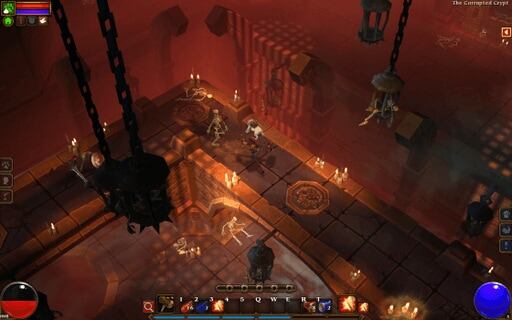
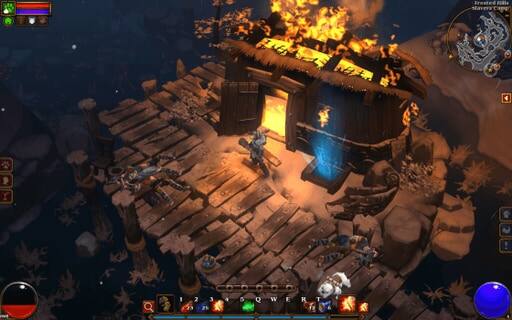
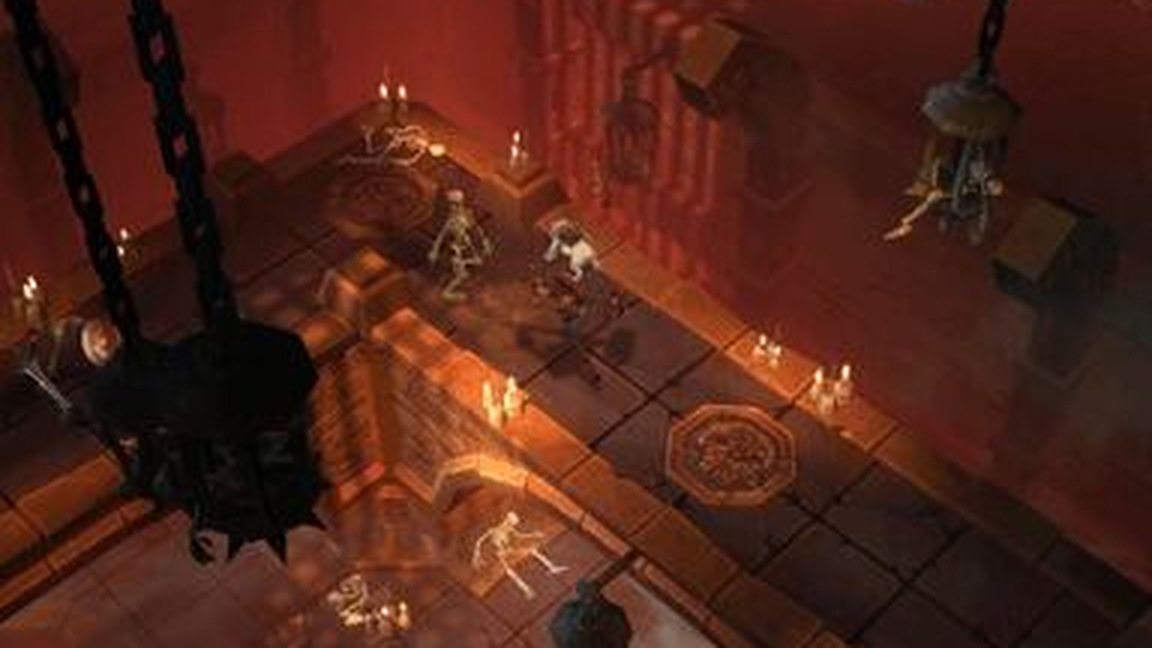
Torchlight II world artwork Torchlight II gameplay in a crypt Torchlight II gameplay in a snowy region

Future Maintenance Plans

Given the age of the game, restructuring its complex underlying code presents many challenges. However, new AI-assisted coding tools have opened up more possibilities for reviewing the code and addressing longstanding issues.

We will continue listening to your feedback and gradually introduce more fixes and improvements on this separate beta branch. These changes will undergo the necessary QA testing and compatibility checks to minimize the risk of introducing new issues.

We will carefully assess future updates for each version based on development progress and keep you informed.

Feedback and Bug Reports

If you encounter any issues while playing on the new branch, your feedback will help us improve the experience.

To report bugs, unexpected behavior, or compatibility issues, please join our official Discord at:

Discord: https://discord.gg/vywX3uhhTj

Frequently Asked Questions

Q1: Will the new Beta branch replace or overwrite the existing version of the game?

No.

We understand that the existing version on the default branch is home to years of familiar routines and cherished memories for longtime players. You may have your favorite MODs installed or saves that you have been playing for years.

The current default version on Steam will therefore remain available and will not be directly replaced by the beta branch.

If you prefer to keep playing the version you know, no additional action is needed. Joining the beta branch is entirely optional.

Q2: Will login and multiplayer issues on the default branch still be addressed?

Yes.

We are aware of recent feedback about TapTap.io account registration, login, and multiplayer. The new Beta now uses Steam account authentication for online multiplayer. Once the build is stable, we also plan to bring Steam account authentication to the default branch through an update.

Introducing Steam login on a separate Beta branch does not mean that we will stop maintaining the existing version. We also intend to bring fixes for frequently reported issues to the default branch as soon as possible after testing.

Q3: Can I continue using my existing saves after switching to the new branch?

The default version and the new branch share save data, so you can carry your progress over when switching branches.

However, please note that Torchlight II stores modded and unmodded saves in separate folders. If you change whether you use MODs after switching branches—for example, by enabling MODs when you previously played without them—the game may be unable to load your previous saves. This does not mean that those saves have been lost.

As a precaution, we recommend backing up your local saves before switching branches or changing your MOD setup.

Windows Save Locations

Without MODs: <System Drive>:\Users\<Username>\Documents\my games\runic games\torchlight 2\save

With MODs: <System Drive>:\Users\<Username>\Documents\my games\runic games\torchlight 2\modsave

macOS Save Locations

Without MODs: /Users/<Username>/Library/Application Support/Steam/steamapps/common/Torchlight II/my games/runic games/torchlight 2/save

With MODs: /Users/<Username>/Library/Application Support/Steam/steamapps/common/Torchlight II/my games/runic games/torchlight 2/modsave

Find the appropriate folder for your operating system and MOD setup, then copy your save files to another location as a backup. If you have used MODs before, we recommend backing up both the save and modsave folders.

Q4: Will multiplayer friends carry over between the default version and the new branch?

For now, the default version still uses TapTap.io login. Your in-game friends list changes according to the account used to access online multiplayer.

When you log in to online multiplayer through Steam, the game automatically loads the corresponding Steam friends list. Friends previously added through TapTap.io will not automatically sync to your Steam friends list.

Your existing TapTap.io friends data will not be deleted. If you switch back to an older version that still uses TapTap.io login, your previously added friends will remain available.

Q5: Can players on different branches play together?

Currently, the default branch and the beta branch do not support multiplayer with each other. Players who wish to play together must use the same game version.

We are also investigating the possibility of multiplayer between versions. However, technical differences between the branches mean that there is still considerable uncertainty, so we are still looking into the possibility of this feature at this stage. Thank you for your understanding.

Q6: Will my existing MODs work on the beta branch?

Some MODs may continue to work, but we cannot currently guarantee that all MODs will be compatible with the beta branch.

Torchlight II has a wealth of community-created MODs, many of which were released years ago. As the game version, underlying code, and related systems change, some older MODs that are no longer maintained may fail to load, behave unexpectedly, or encounter other compatibility issues.

We deeply value the content that community creators have contributed over the years, and we hope these creations can continue to be part of your adventures.

MOD compatibility will therefore remain an area of focus in our ongoing maintenance. Based on player feedback, we will investigate issues over time and explore fixes or compatibility solutions for some affected MODs.

If you encounter MOD-related issues on the beta branch, please join our community and let us know. Where possible, include the MOD name, where you obtained it, and details of the issue to help us investigate:

Discord: https://discord.gg/vywX3uhhTj

From the Torchlight II Team

Through these experiments with new technology and a beta branch, we hope to bring you a refreshed and improved Torchlight II experience in the future.

Finally, our heartfelt thanks go to every player who has been part of Torchlight II’s journey, and to all of you who are still writing your legends across Vilderan.

The Torchlight II Team

PC Online Service Update

Client and online service changes, account and friends-list impact, and compensation details.

Open announcementClose announcement
Torchlight II character for the PC online service update

To improve the online services for the PC version of Torchlight II, we plan to release a client update and migrate the online servers in the near future. This update will take place at 8:00 PM PDT, September 21. It includes changes to online multiplayer features, as well as the reset of account and friends data. Please see the details below for more information:

Update Highlights

This update brings three main changes: a client update, the online server migration, and a change to store versions.

01

Client Update and Online Server Migration

Players who wish to use online multiplayer features will need to update to the latest version of the game once the update is released. After the server migration is complete, older versions of the client will no longer be able to access online multiplayer.

02

New Online Service Will Use TapTap.io Accounts

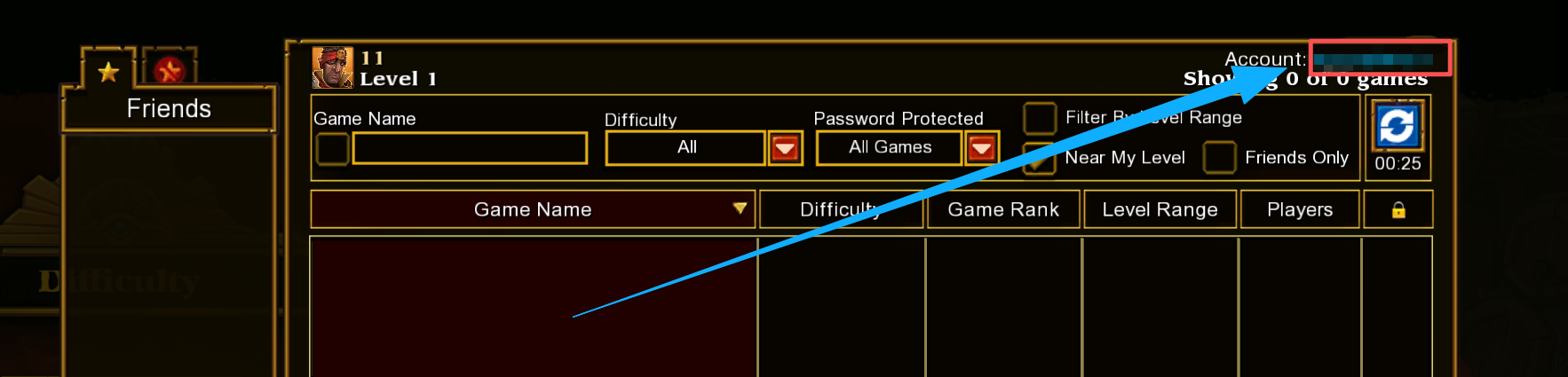
In the new version, players will need to register for and sign in with a TapTap.io account to access online multiplayer. After signing in, you will need to set a new display name, which will appear in the upper-right corner of the online lobby.

TapTap.io account registration page
TapTap.io account registration screen · tapping register in-game also opens www.taptap.io
03

The Original Arc Games Website Version Will Be Discontinued

Players who previously purchased the game through the Arc Games website will receive one Steam key for the standard edition of Torchlight II as compensation. To request a key, please prepare proof of purchase from the Arc Games website, join our official Discord server, and send the relevant information to an administrator via direct message. We will review requests and distribute keys on a regular basis.

Please Note

The following information may affect your gameplay, so please review it in advance.

Single-Player Mode and Local Save Data Are Not Affected

This update will not affect single-player mode or local save data.

Your Friends List and Related Data Cannot Be Carried Over

As the existing friends data relies on the Arc Games account service, your current friends list and related data cannot be carried over after this update. Players will need to add their friends again in the new version.

We sincerely apologize for any inconvenience this update may cause and greatly appreciate your understanding and continued support.

Player Compensation

Players who purchased the game through the original Arc Games website will receive the following compensation.

  • Compensation: one Steam key for the standard edition of Torchlight II
  • How to request: prepare your proof of purchase from the Arc Games website, then join our official Discord server and send it to an administrator via direct message.
  • Distribution: requests are reviewed and keys are distributed on a regular basis, so please allow time for your request to be processed.

Scheduled for September 21